How to use our e-service A-tax certificate, tax table and tax adjustment decision
This is a user guide on how to use our e-service A-tax certificate, tax table and tax adjustment decision e-service.
Log in to the e-service
You can use this e-service to view, download and print a pdf version of your A-tax certificate. You can also view any tax adjustment decision and check your assigned tax table.
How to log in to the e-service
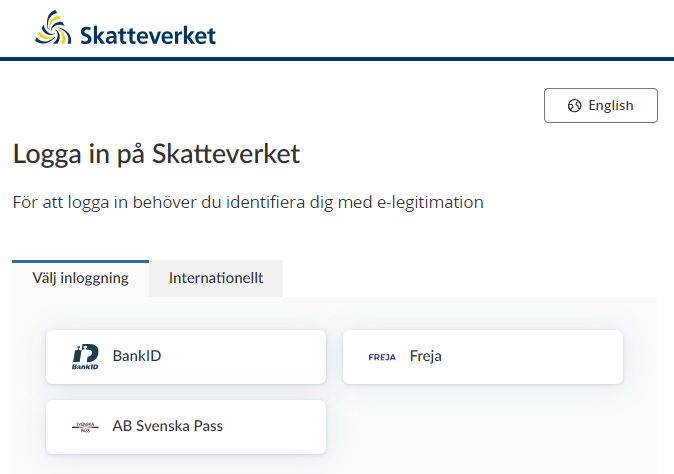
Go to the login page and click the language preference button in the top right-hand corner to select either English or Swedish.
Next, choose your Swedish eID from the options available. You can also click “International” (“Internationellt”) for international eID options.
Identify yourself with eID.
Opening the A-tax certificate as a pdf
Click on "A-skattsedel" ("A-tax certificate") to view the document, which will also show your assigned tax table and any tax adjustment decision. You can then print out your A-tax certificate if you like.

If you’re unable to view your A-tax certificate and details of your tax table when you’re logged in to the e-service, please get in touch with our tax information service by clicking “Kontakta oss” (“Contact us”) at the bottom of the page.
 Leave a review (Your Europe)