


How to use our e-service for applying for an income tax return filing deferral on “My Pages”
This is a guide on how to use our e-service for applying for an income tax return filing deferral on “My Pages” (Mina sidor)
The service is only available on “My pages” (“Mina sidor”)” after login
Please note that the service is only available on “My pages” (“Mina sidor”)” after login. This means that you have to be logged in to “My pages”, but there is no separate login or logout for the deferral e-service.
If you don’t have eID, you can apply by calling our Tax Information Service:
How to log in to the e-service
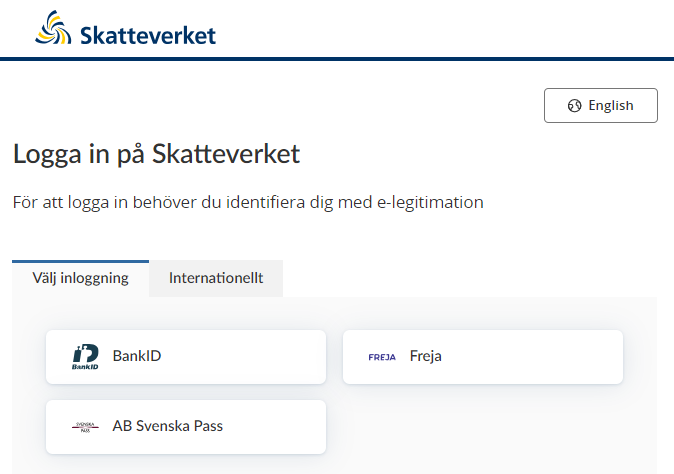
When you have selected the e-service you want to log in to, a login page will open. In the upper part of the view you can change the language to English by clicking the button ”English”. By choosing ”International” you get more alternatives for eIDs you can use to log in to the e-service. Select the login mode that suits you best by clicking it, and then proceed to identify yourself.
- Select “Tax returns” (“Deklaration”).
- The select “Income tax return filing deferral” (“Anstånd med inkomstdeklaration”).
- Click the icon ”To the e-service” (“Till tjänsten”) to proceed to the service.
- Select the reason for a deferral.
- have to report business activities including annexes
- I don’t have the required information for the tax return
- I am currently in another location
- I am sick
- Click the button ”Nästa” (”Next”).
- Review your information and confirm that you have done so.
- Click ”Skicka in” to submit.
- Once you have submitted your application you will receive confirmation that a deferral has been registered, as well as information about the new deadline for filing your tax return.